
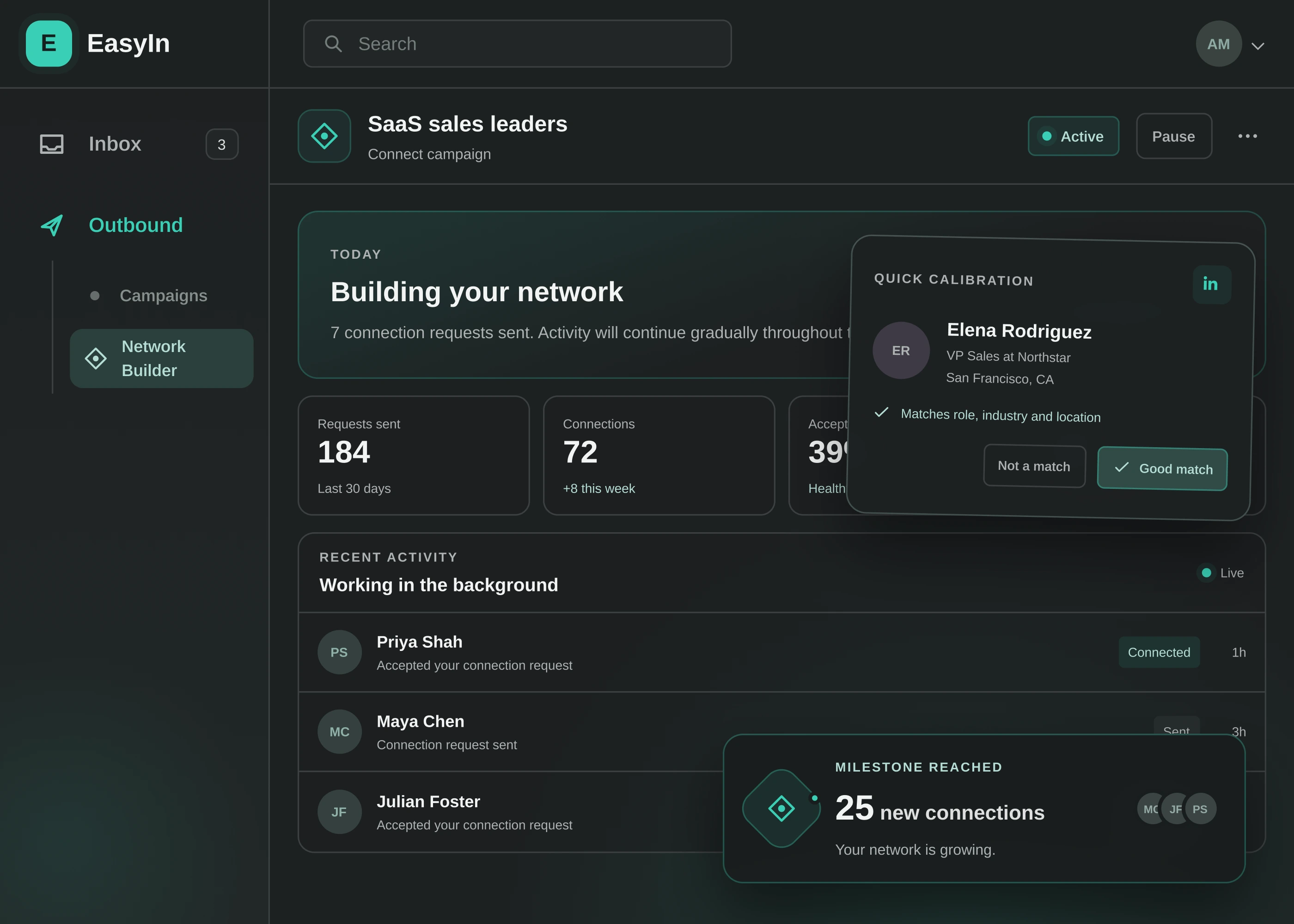
NETWORK BUILDERSaaS sales leaders
ActiveCONNECTIONS MADE72+8 this week
Requests sent184
Acceptance rate39%
Relevant people are joining your network every week.

LINKEDIN CONNECTION AUTOMATION
Tell EasyIn who you want to meet. We find the right people and send thoughtful requests at a safe pace—or help you connect in one click while you browse.
Let Network Builder work in the background, connect in one click while you browse, and keep the relationship moving after they accept.
Describe who you want to meet. EasyIn finds the right people and grows your network—safely, steadily, and in the background.
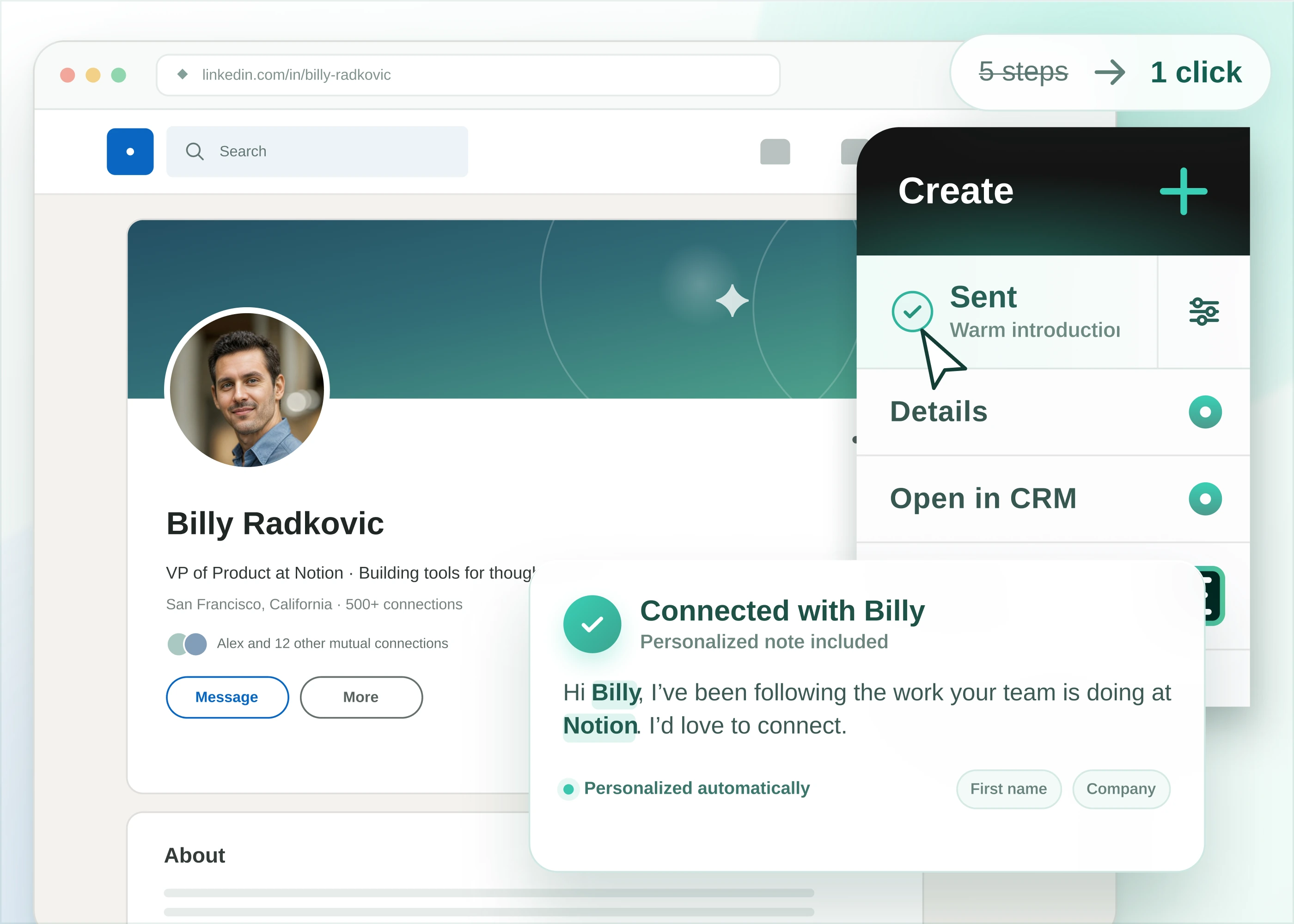
See someone worth knowing? Send a personalized connection request right from their profile—without breaking your flow.
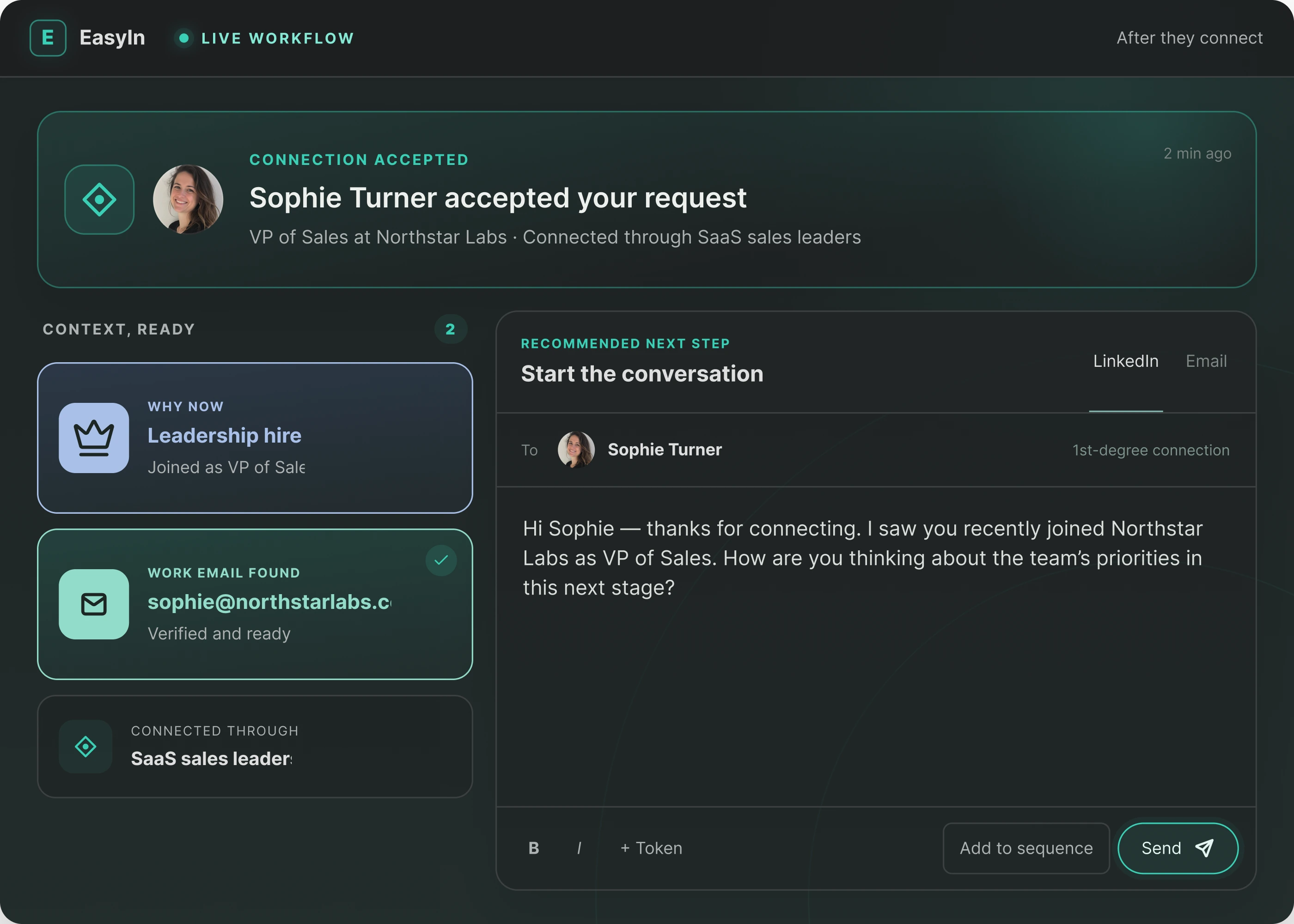
A new connection is most valuable when you know what to do next. Follow up with a LinkedIn message, continue with a short sequence, or add email—all from the same CRM.
Every relevant connection expands who you can reach, who sees your work, and who you can talk to directly.
Relevant people are joining your network every week.
Relevant first-degree connections give you better access in search and direct messaging.
Your posts have a better chance of reaching the people you actually want in your orbit.
Continue naturally on LinkedIn, add email, or bring the right person into a short sequence.
Quick answers about automating LinkedIn connections.
It means EasyIn sends LinkedIn connection requests for you — either one click when you're already on a profile, or on autopilot with Network Builder when you tell us who you want. You don't grind through LinkedIn's extra screens all day.
No. Network Builder is the main path: you describe the people you want, and EasyIn finds them and sends the requests. If you're already looking at someone, use one-click connect on that profile.
Network Builder sends at a safe pace and stays inside normal LinkedIn limits. It is not a blast-everyone button. You still choose the kind of people you want to meet.
They're in your network, and you can keep going in EasyIn — a LinkedIn message, a short sequence, or email. Automating the connection request is step one.
Anyone who wants a larger LinkedIn network without living in search and connect all day — sales, hiring, or just more reach on what you post.
Start building the network you actually want today.
Get started for free