

Seamless LinkedIn connection
The #1 LinkedIn CRM
A CRM integrated with LinkedIn — built for sales, recruiting, and more.
Build more relationships and create more opportunities through LinkedIn.
LinkedIn + email, One complete view
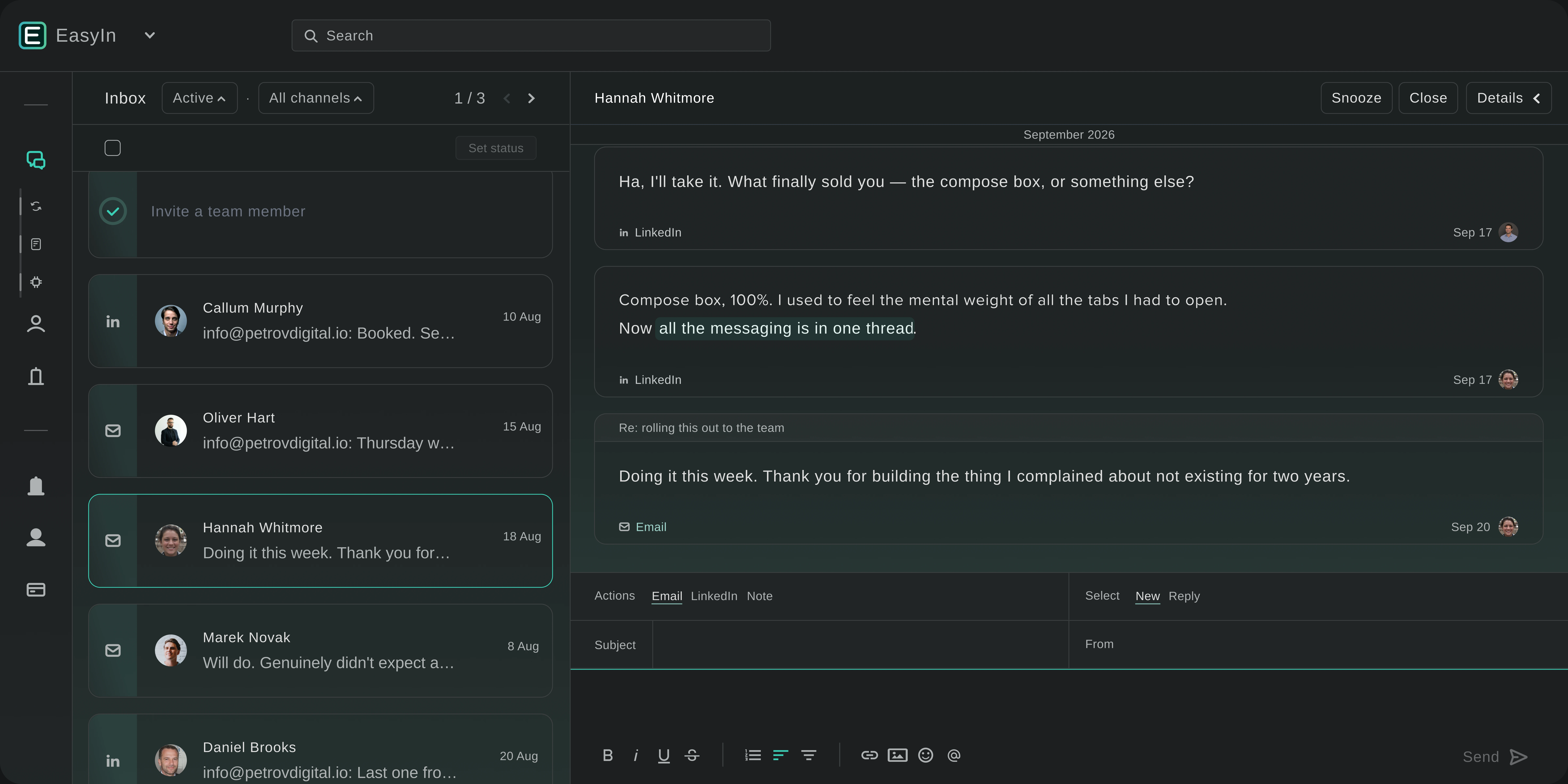
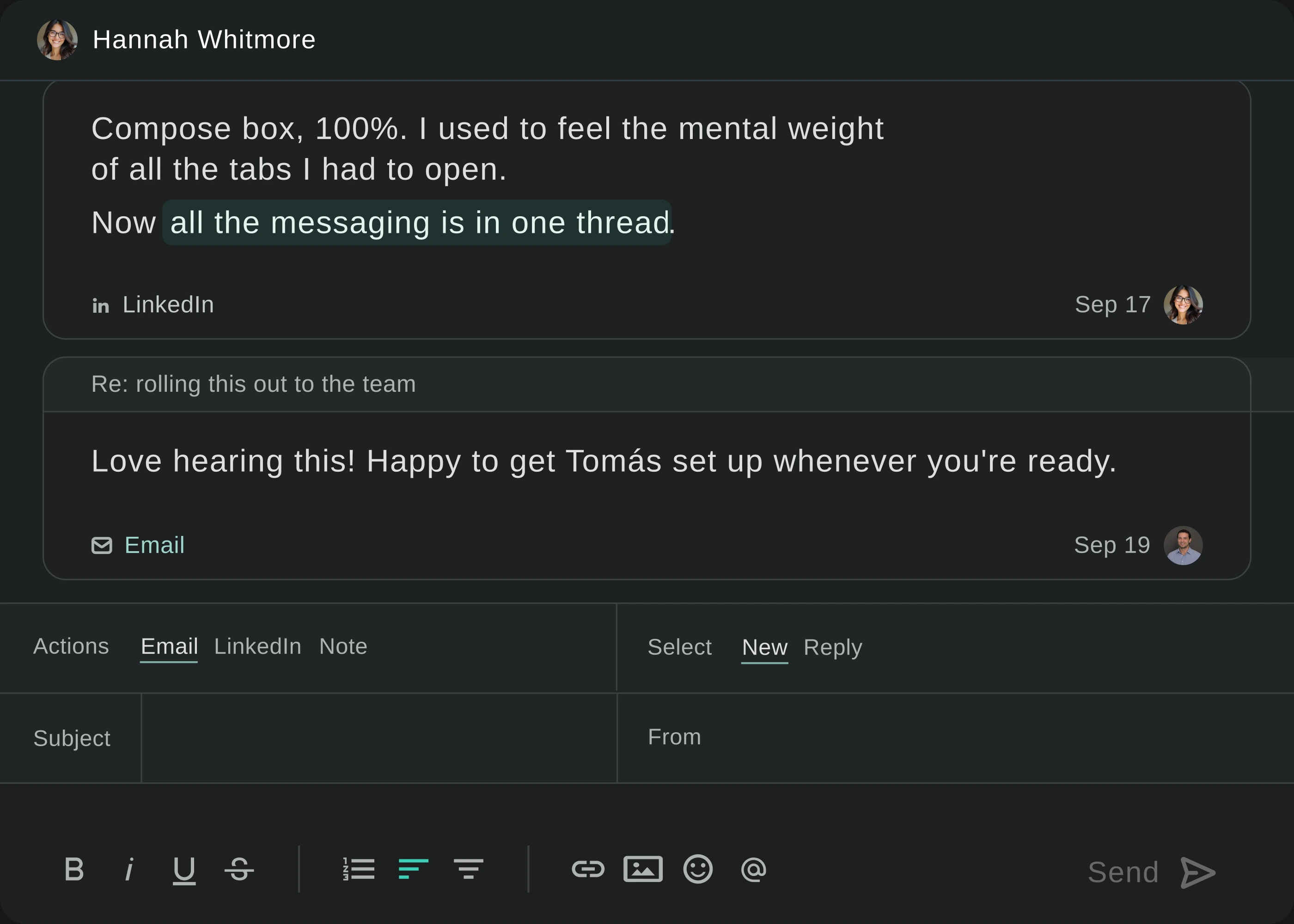
One inbox. Every conversation.
Unified inbox
Combine LinkedIn messages and emails in one shared timeline.
No app switching
Send and receive from either channel without changing tabs.
Shared context
Your whole team sees the full conversation so nothing gets missed.
Know when an opportunity arises
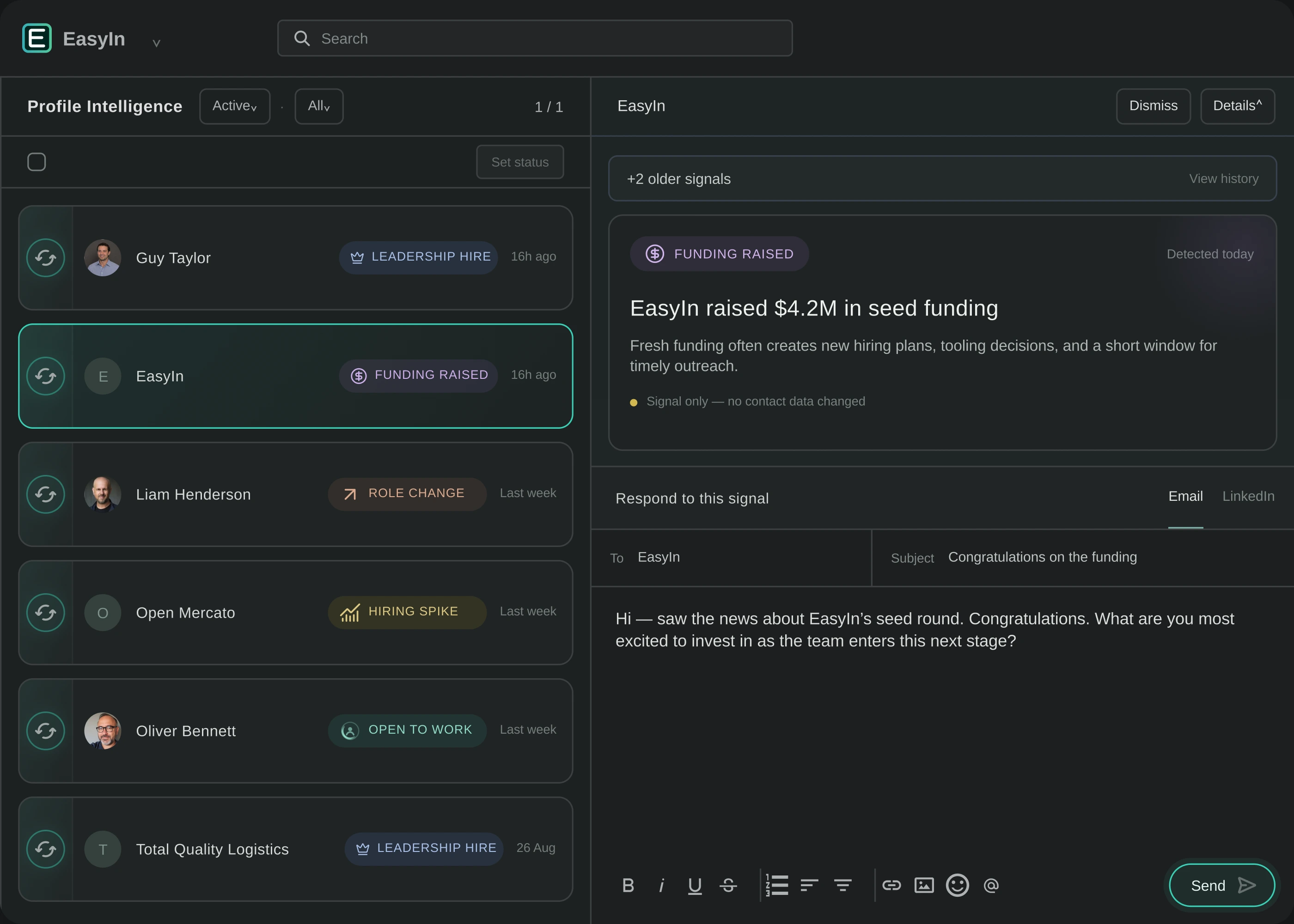
Sales signals delivered to your inbox
Sales Intel
Tracks new job titles, role changes, and company funding
One place, start to finish
Reply by email or LinkedIn message right from the alert — no extra tools.
Always current
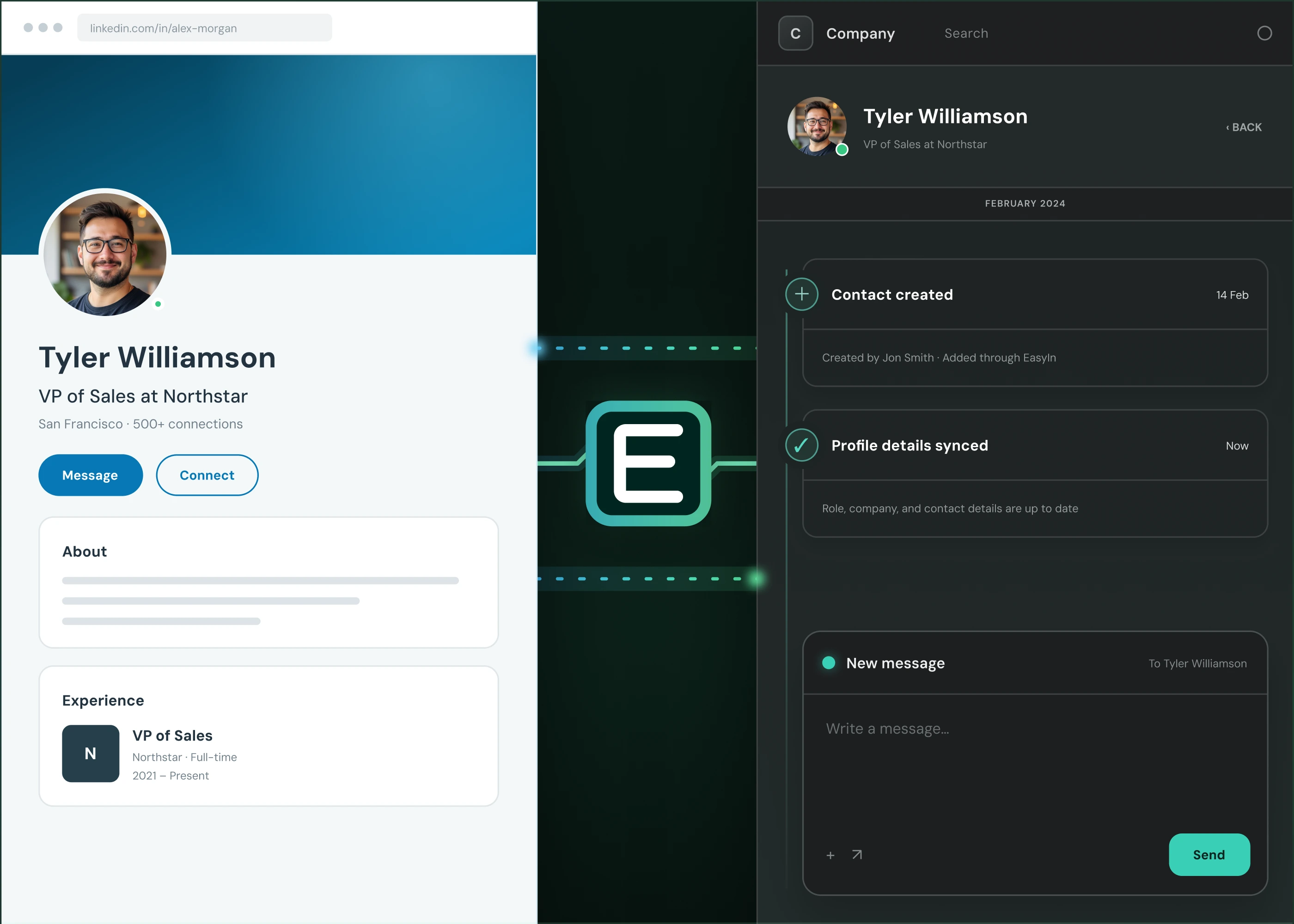
Keeps your contact data up to date.
Get the data & Skip the data entry
All the data. None of the data entry.
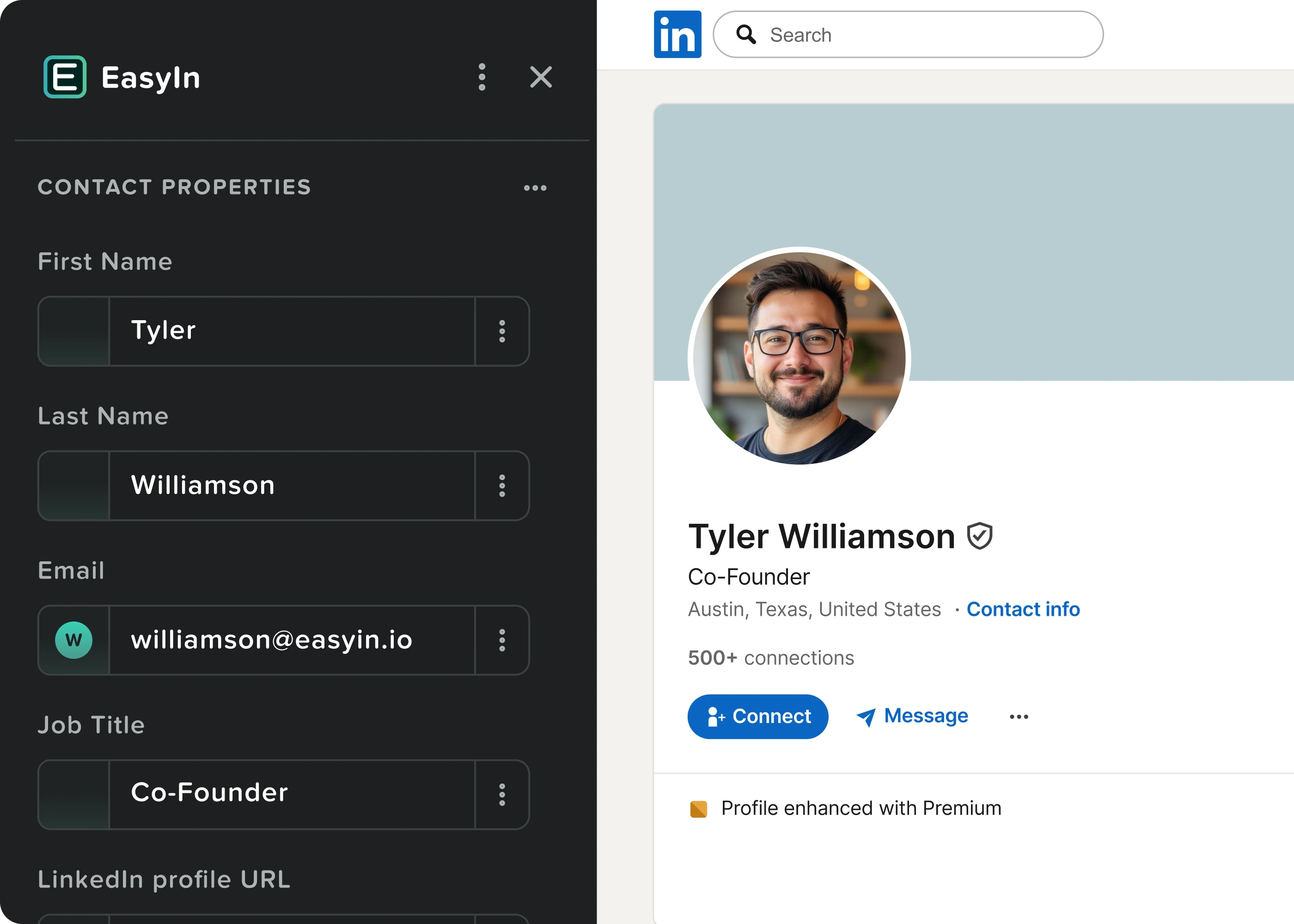
One-click capture
Instantly grab contact and company info from LinkedIn with one-click.
Smart matching
Automatically links contacts to the right company.
Always current
Keeps your data up to date automatically.
Protect it, Review it, Stay in control
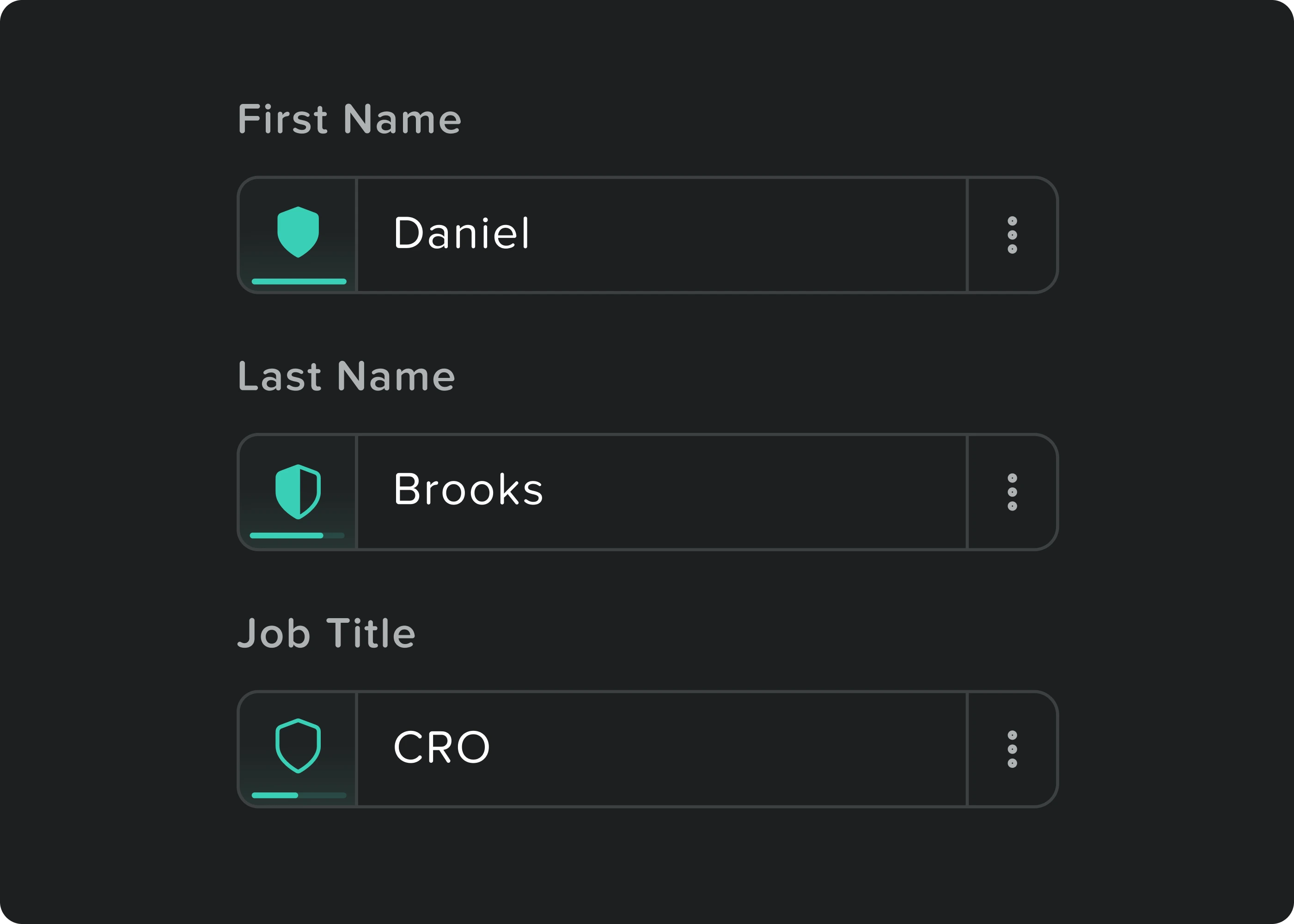
Shield the data that matters
Prevent overwrites
Protect important data from automation, integrations, or human error.
Lock fields
Freeze specific information so it cannot be changed.
Review before update
See the current value next to the new one and keep whichever is better.
Instant launch
LinkedIn integration that just works
One-step setup
Skip the afternoon of connecting your CRM.
No tech hurdles
No APIs, permission mazes, or third-party connectors.
Instant start
Just install the Chrome extension and go.
Frequently Asked Questions
Yes. EasyIn respects LinkedIn’s activity limits and guidelines, and is built for real, human-driven selling. No spam. No sketchy automation. Just less grunt work and a better way to manage your LinkedIn relationships.
EasyIn is built for people who use LinkedIn to build relationships and generate business. That includes sales teams, sales agencies, LinkedIn-focused outbound teams, founders, entrepreneurs, and anyone who relies heavily on LinkedIn for prospecting and networking.
In many cases, yes.
EasyIn was born out of frustration with traditional CRMs like HubSpot: we wanted the foundational CRM features without all the complexity, configuration, and marketing-suite baggage.
You can manage contacts and companies, associate contacts with companies, create custom properties, manage conversations, and handle the core CRM work you need—all with LinkedIn deeply integrated into the experience.
You get the CRM you need without the CRM complexity you don't.
Install the EasyIn Chrome extension and you're ready to go. There's no complicated API configuration, third-party connector, or integration project. LinkedIn is built into the EasyIn experience from the start.
Yes.
Receive and send LinkedIn messages directly from EasyIn, with conversations syncing in near real time. You can read, reply, and manage conversations without constantly switching between LinkedIn and your CRM.
EasyIn also supports voice notes and multi-person conversations, so your LinkedIn conversations don't lose the context that makes them useful.
Yes. Your team can see LinkedIn conversations and jump in when needed, so messages don't get stuck waiting for one particular person.
If the person who owns the relationship is unavailable, someone else can keep the conversation moving.
Traditional CRMs are built around the CRM first, with LinkedIn added on afterward. EasyIn takes the opposite approach.
EasyIn was built around LinkedIn from the start.
Your LinkedIn conversations, contacts, company data, and CRM workflow all work together in one place—without bolting LinkedIn onto a traditional CRM.