
LinkedIn Extension for Contact Details

Looking for a LinkedIn extension to capture contact details? EasyIn gives you verified emails and phone numbers directly from LinkedIn profiles so you can reach prospects without leaving the page.
Get Verified Emails from LinkedIn
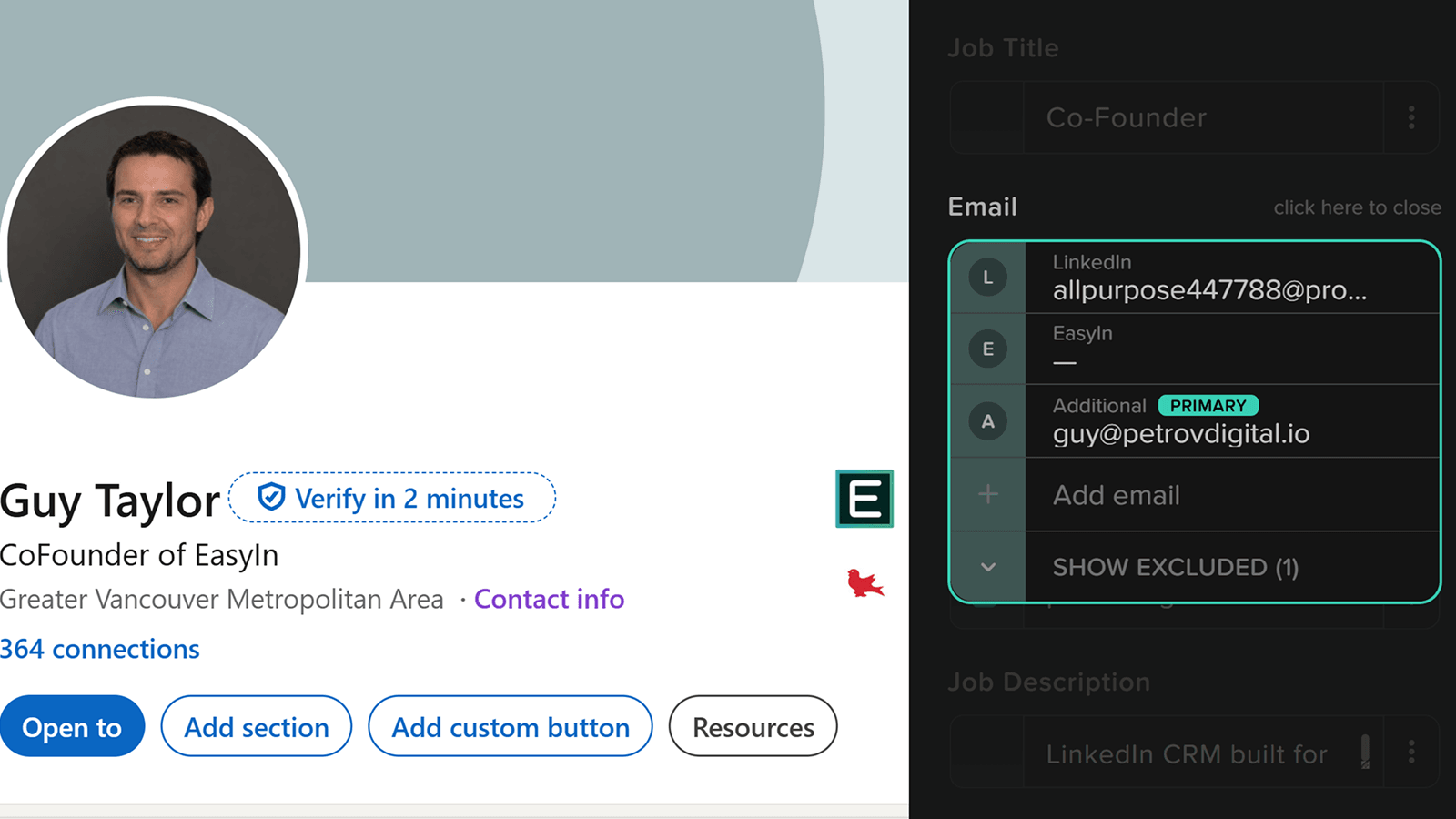
The EasyIn Chrome extension scans the LinkedIn profile and pulls in the email shown in the contact info section. At the same time, we search for an email address based on the company domain — so you get both a personal and a professional email. The professional email found via the company domain displays inside the CRM after you click create contact.
We use multiple email discovery services, so if the first one fails we go right to the next one. You always end up with a good email — it's nothing you have to worry about.
Capture Full Contact Details in One Click
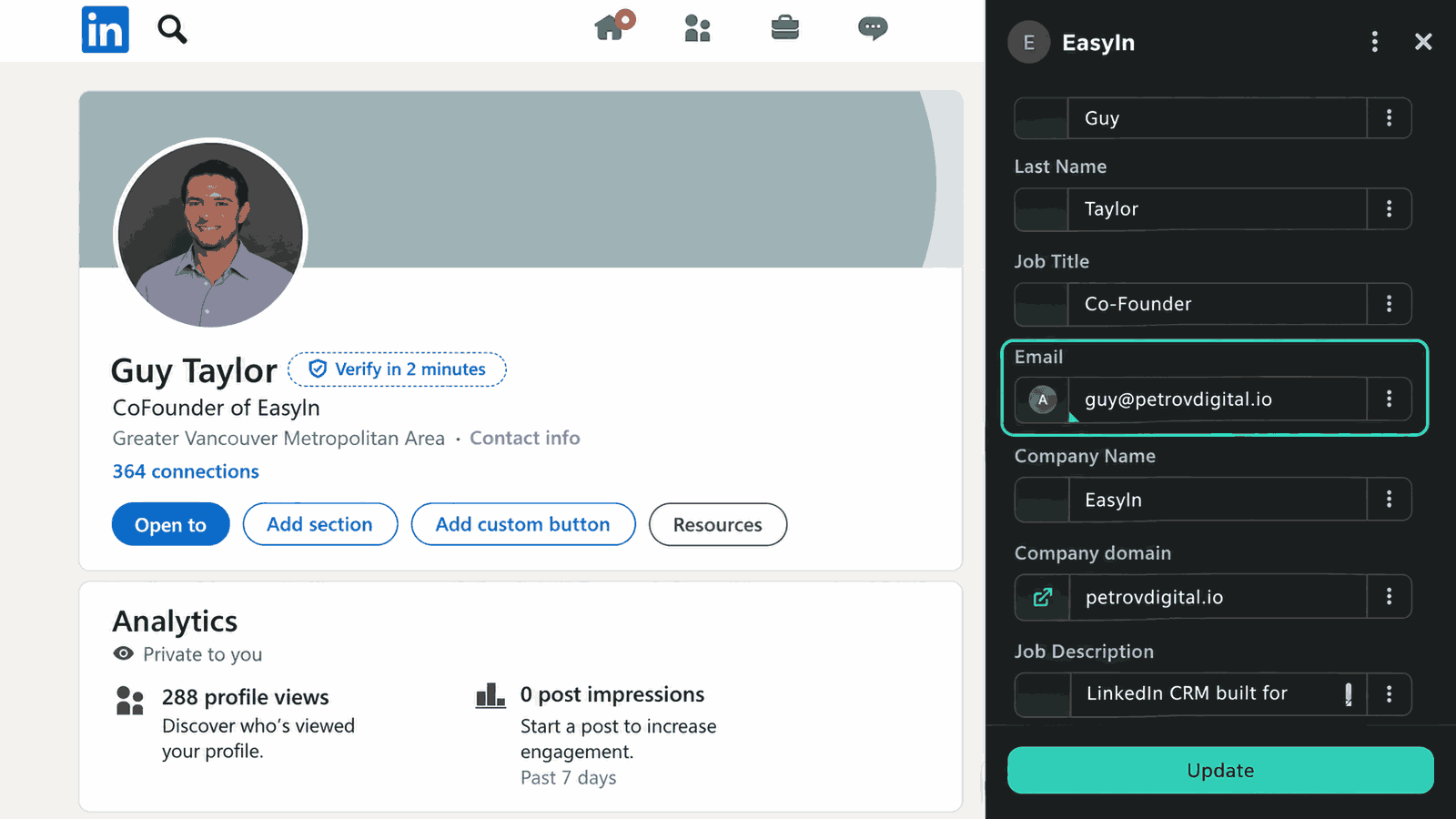
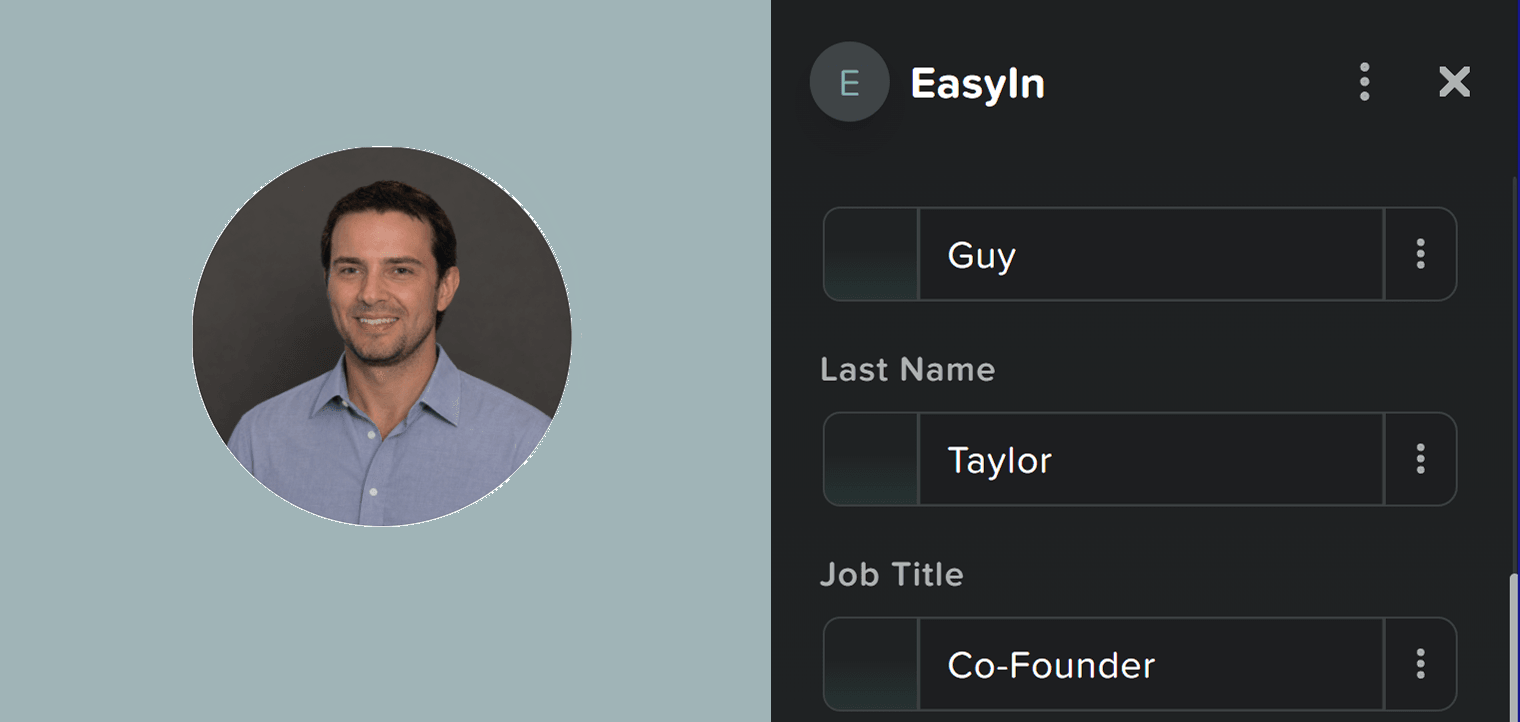
Beyond email, EasyIn also pulls the person's full contact details — first name, last name, current job title, company, and location — directly from the LinkedIn profile.
Everything is captured with a single click so you don't have to copy and paste fields one by one.
Choose the Right Company and Role
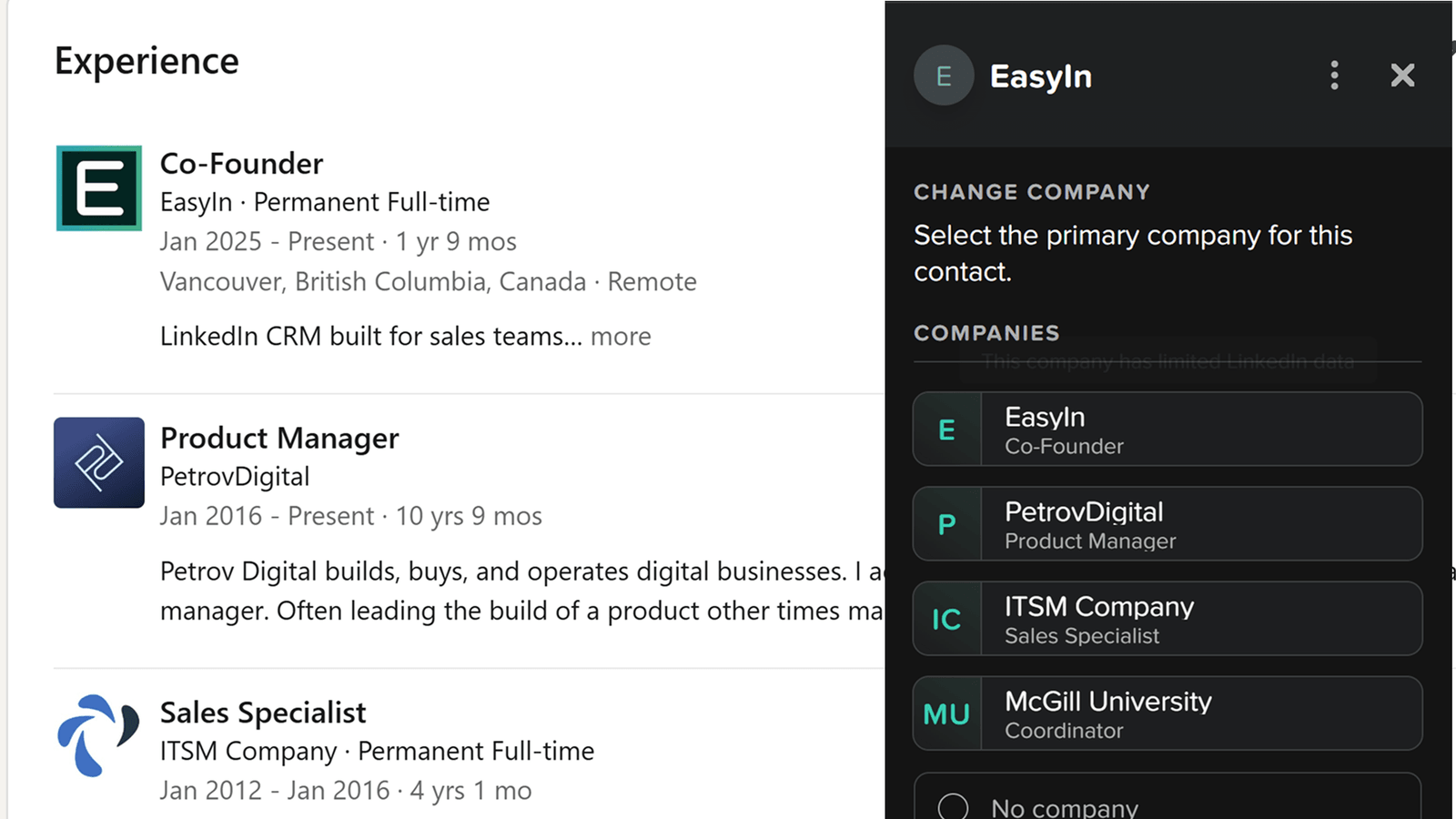
Many LinkedIn profiles list multiple past companies. With the company selector, you simply click the role or company you want.
EasyIn then pulls the matching job title and the email associated with that company, so the data you save is accurate and relevant.
How It Works
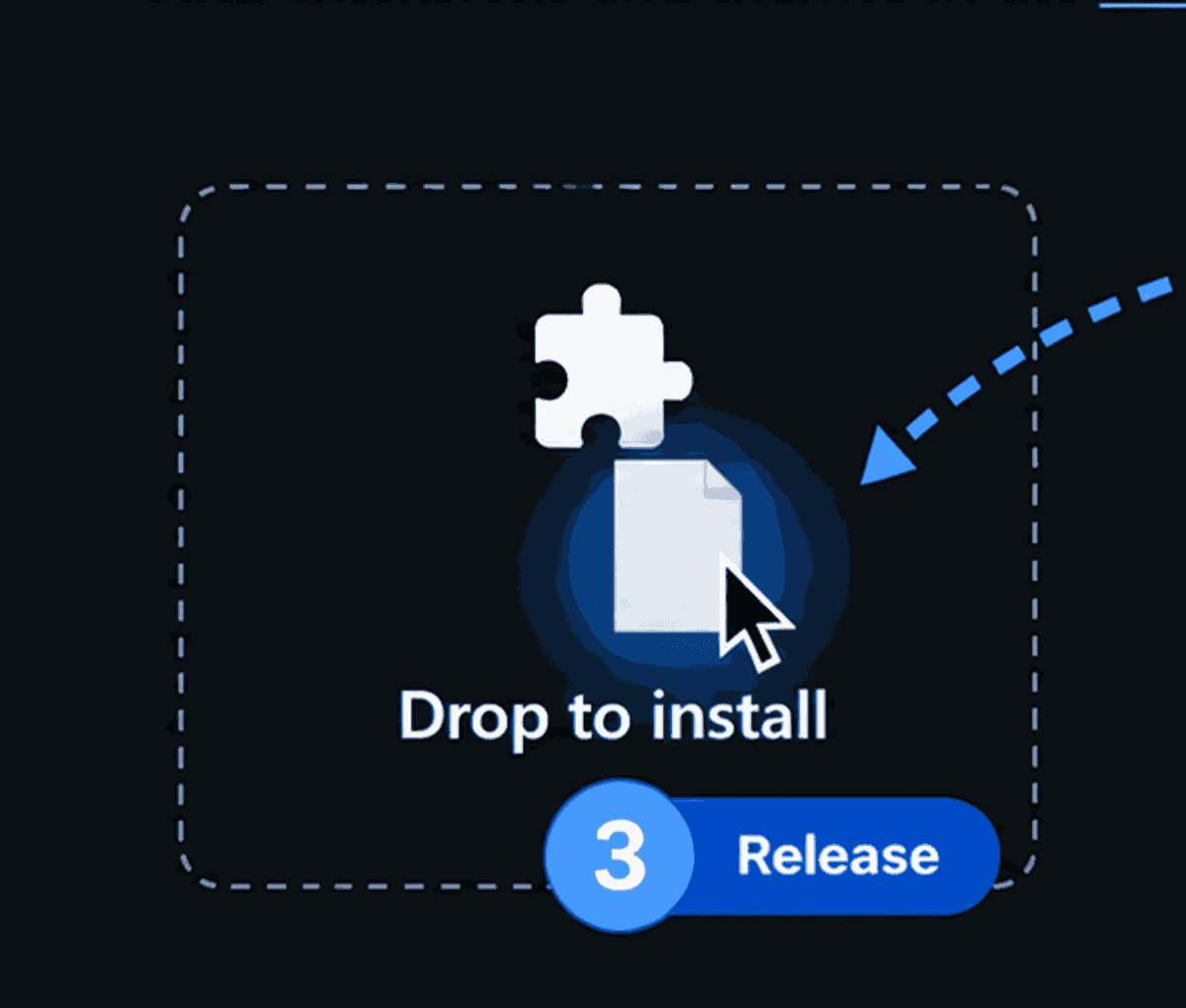
Install the extension
Add EasyIn to Chrome in a few seconds.
Open any LinkedIn profile
The extension appears right on the page.
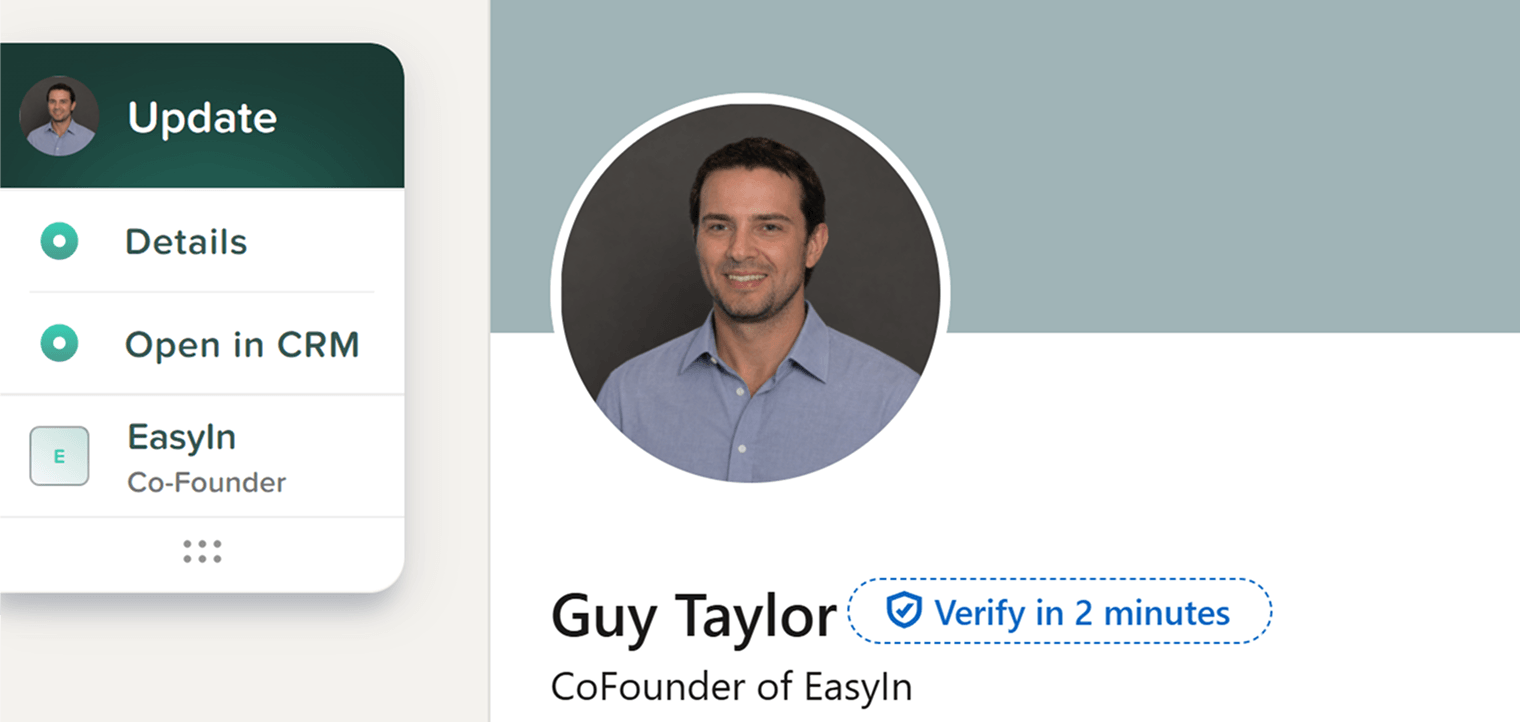
Capture the contact details
One click and you get the emails, name, title, company, and location.
Ready to get started? Install EasyIn and start capturing verified contact details from LinkedIn today.
Install EasyInFree forever plan available — no credit card required.